- Dr Grant Cowie (1954-2026)
- Leadership team
- MoneyWorks 9.2.6
- Report Writing with AI
- Tip du Jour
- And finally…
Dr Grant Cowie (1954-2026)

Dr. Grant Cowie
It is with great sadness that we acknowledge the passing of Dr Grant Cowie, the founder of Cognito Software. Grant died suddenly but peacefully on Wednesday 22nd July 2026, aged 72.
We are sure that the many customers and business partners who enjoyed Grant’s dry sense of humour (and terrible puns) will miss him greatly.
Grant was the familiar face and voice of MoneyWorks. He loved working with our many customers on integrating MoneyWorks into their business processes. His vision, insight, and commitment have laid the foundations for a bright future.
Core product development remains headed by Rowan Daniell – Grant’s longtime collaborator. Sobik Sharma will continue to head up our support team and oversee work on customizations, reports, and special projects. They are supported by a new leadership team to continue Grant’s legacy.
New Board & Leadership Team
Cognito Software, as a company, will now enjoy the expertise and governance of new directors Simon Fuller, from Etiam; Brent Melhop, from Business Knowledge; and Rowan Daniell from Cognito, in addition to current director, Sue Cowie. The board has combined MoneyWorks experience well in excess of 100 years.
Long-time MoneyWorks champion, Alex Webster joins us as CEO, bringing with him a wealth of knowledge in software, integration and business.
MoneyWorks 9.2.6
MoneyWorks 9.2.6 is an exciting release that improves performance, extends the scope for customisation, and further enhances integration with AI tools.
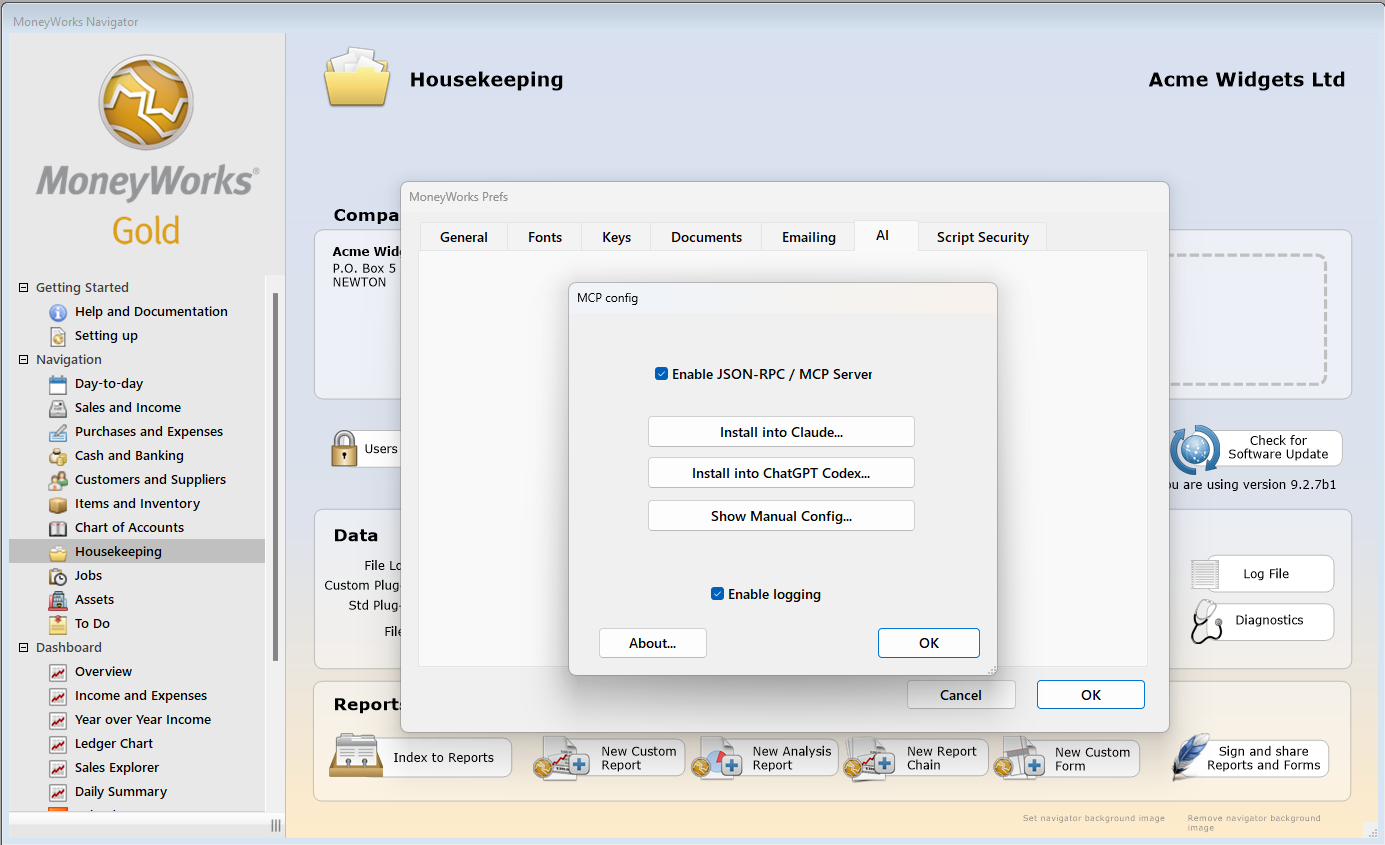
MoneyWorks MCP server allows you to interrogate your data using natural language.
There is no denying that AI has been a step-change in capability: it makes so many things faster and easier, from answering how-to questions without poring through the manual (AI bots have already read the manual and other documentation from cover-to-cover), to empowering anyone to develop their own enhancements, customisations, and even complete custom user interfaces.
The MCP server in MoneyWorks is already providing market-leading AI integration capability, thanks to its unique desktop integration with Claude and Codex. We have many more exciting developments in the pipeline: First up will be report writing.
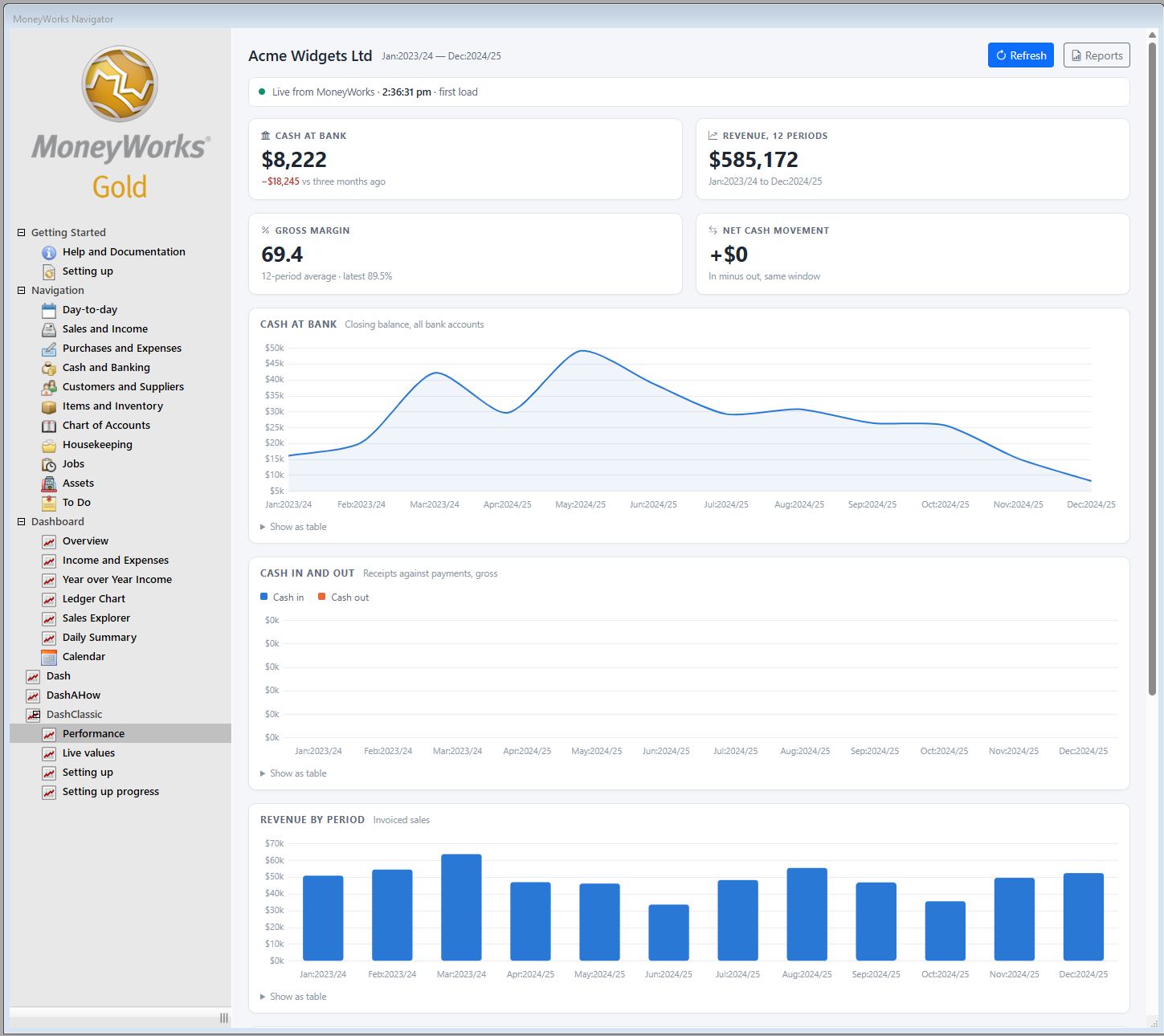
MoneyWorks Custom Dashboard
Report Writing with AI
Accounting and reporting go hand-in-hand, but taking advantage of that power has not necessarily been within everyone’s reach. Writing reports is a task that hardly anyone relishes – and most would rather outsource – but that’s about to change…
AI assisted report writing is a game-changer for everyone who has ever wanted to customise reports, but was afraid to do it!
An upcoming release of MoneyWorks will let you hand your report-writing requirements to your friendly AI agent.
We’ve been testing the next release of MoneyWorks with Claude, and the AI is proving adept at handling the task: it can explain how existing reports work, and modify or write new reports from scratch, right in MoneyWorks.
Coming soon – watch this space!
Tip du Jour
Even without Grant to write it, no newsletter would be complete without a Tip du Jour! This month, since we are on the subject of AI, it’s an AI tip.
Like reports, ‘scripts’ can seem intimidating, but they are incredibly powerful.
With MWScript – built right into the product – we can customize, integrate and extend MoneyWorks in ways that other platforms can only envy.
AI makes scripting accessible: You can use AI to teach you scripting – or ask it to write scripts for you.
If you would like to dip your toes in this vast ocean of possibility, try a simple prompt:
I use MoneyWorks accounting software which has a built-in scripting language called MWScript.

Please write a minimal "Hello World" MWScript that demonstrates its functionality.
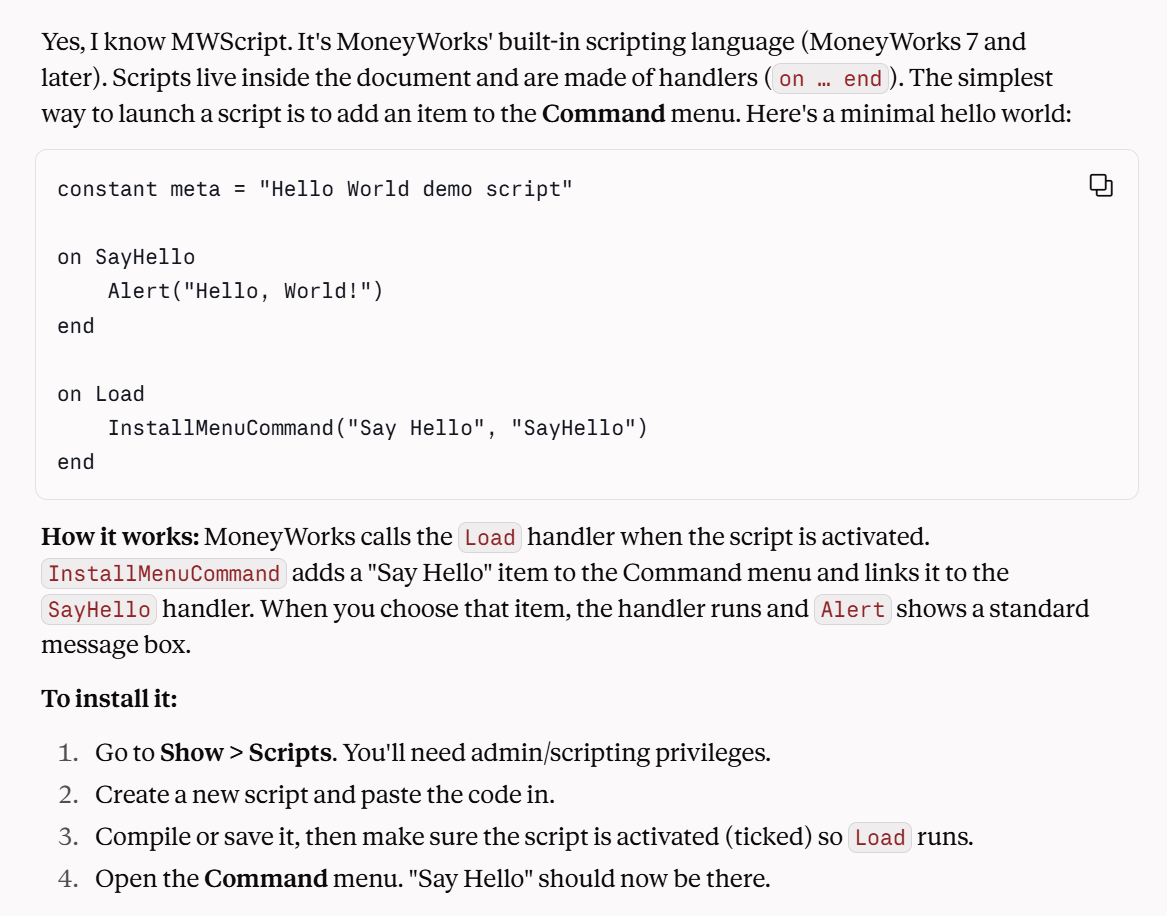
Claude knows all about MWScript and can help you to learn it too.
And Finally
MoneyWorks has been seriously good accounting software ™ since, well, since ages ago.
In a moment when the lifespan of most apps can be measured with an egg timer, it is important to remember that, in software, longevity can still be a strength. At more than 30 years old, MoneyWorks (launched 1992) is in good company:
- Apple (founded 1976)
- Microsoft (founded 1975)
- Oracle (founded 1977)
- SAP (founded 1972)
- Amazon (founded 1994)
- Cisco Systems (founded 1984)
- NVIDIA (founded 1993)
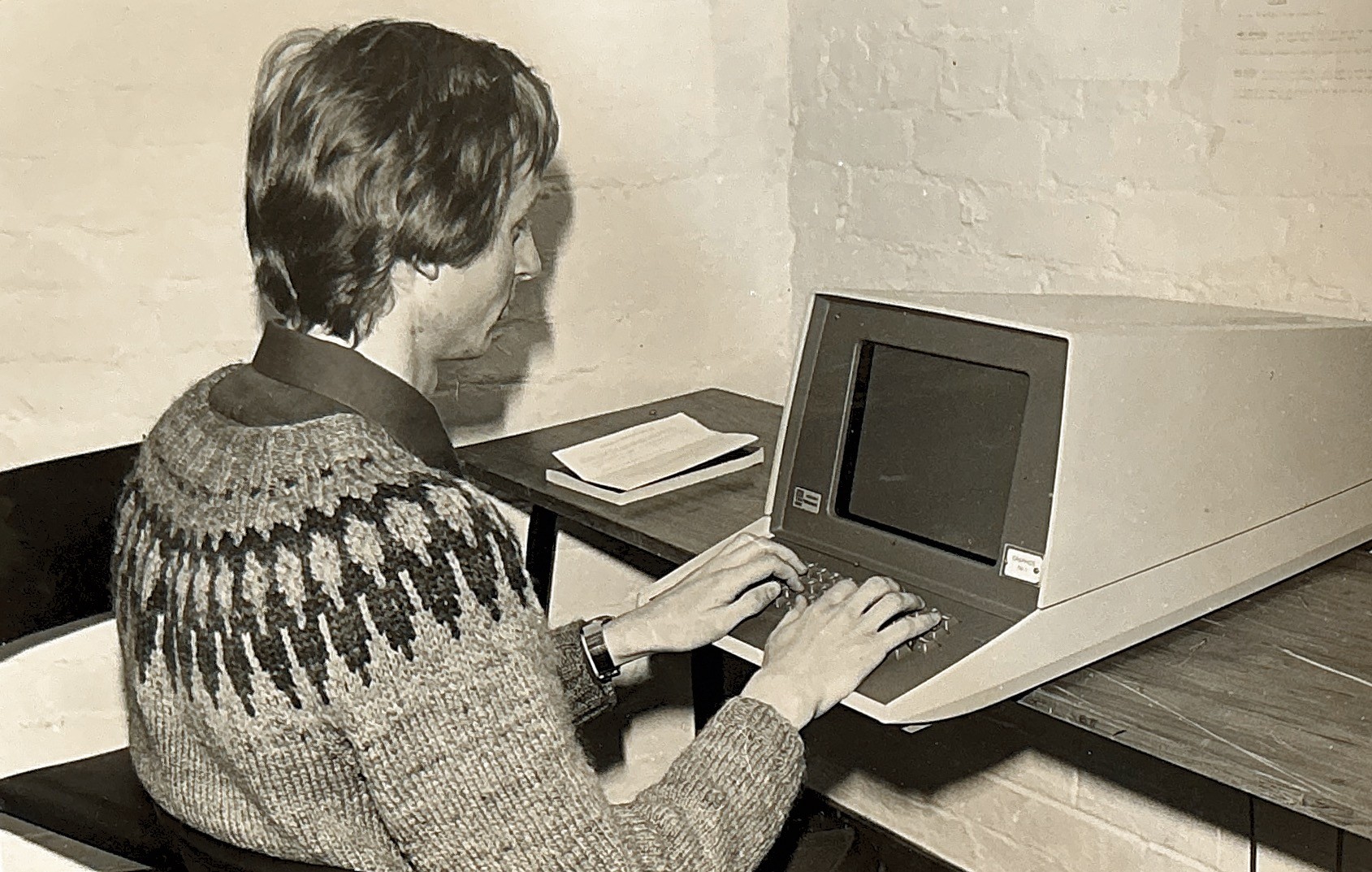
Grant Cowie – building Seriously Good Software since ages ago.
We don’t pretend to be in exactly the same league (fiscally, at least), but we do share certain characteristics: vast collective knowledge and experience, a diverse customer base, an ability to evolve, and the wherewithal to remain at the leading edge of our respective technologies.
More than ever, we are excited about the future – and the opportunities that new technology provides to deliver seriously good software to our valued customers for years to come.
Thank you for your continued support.
The team at MoneyWorks